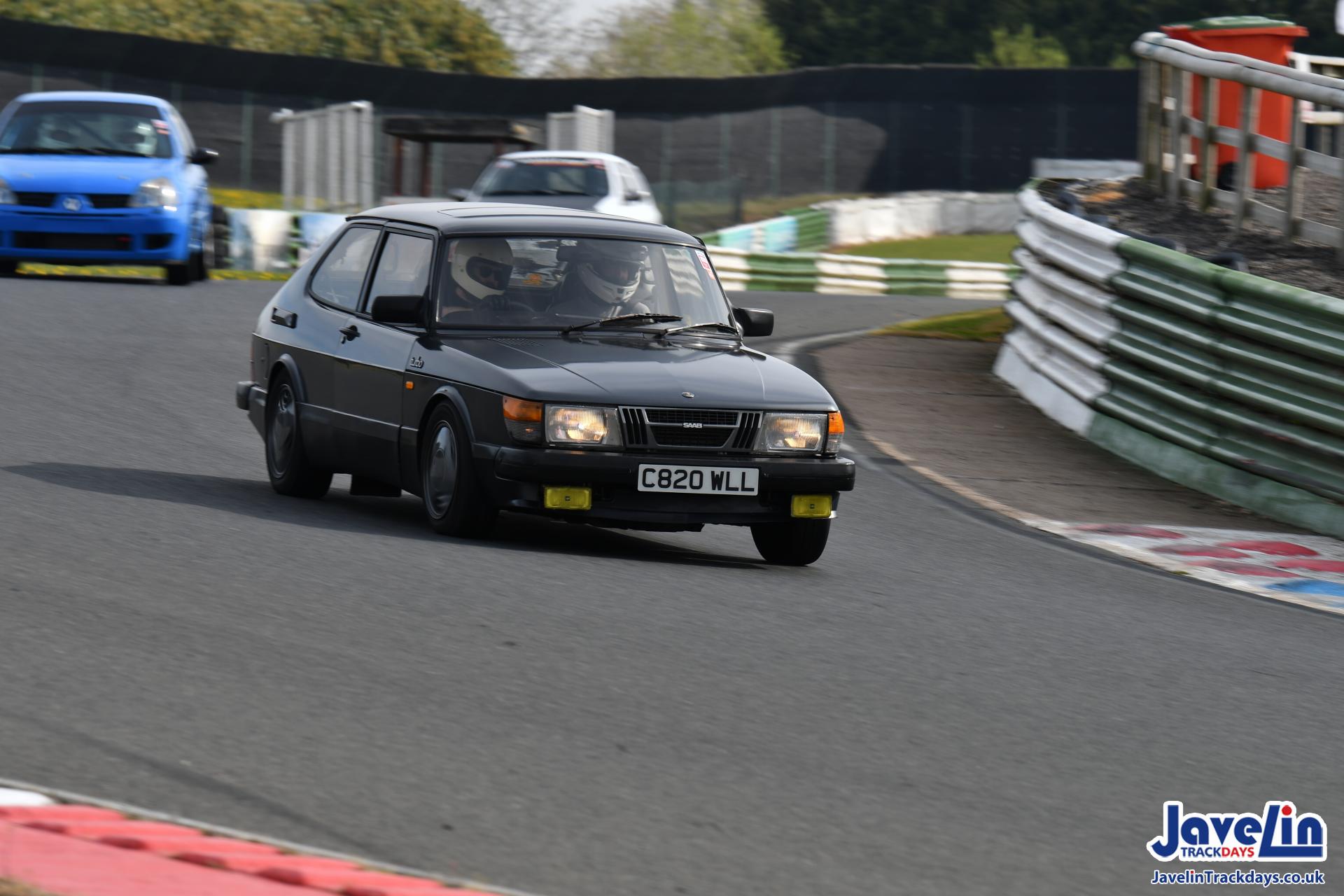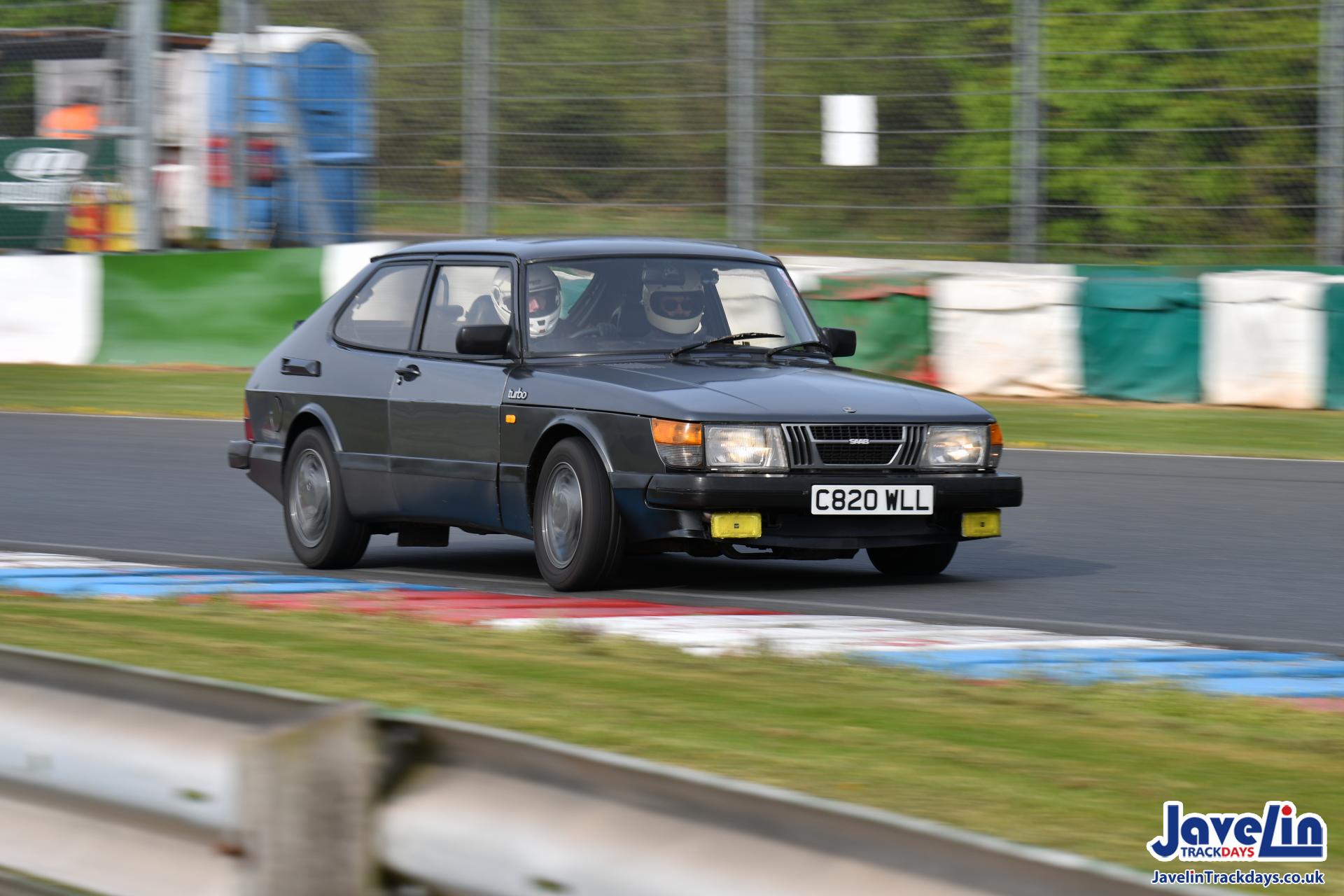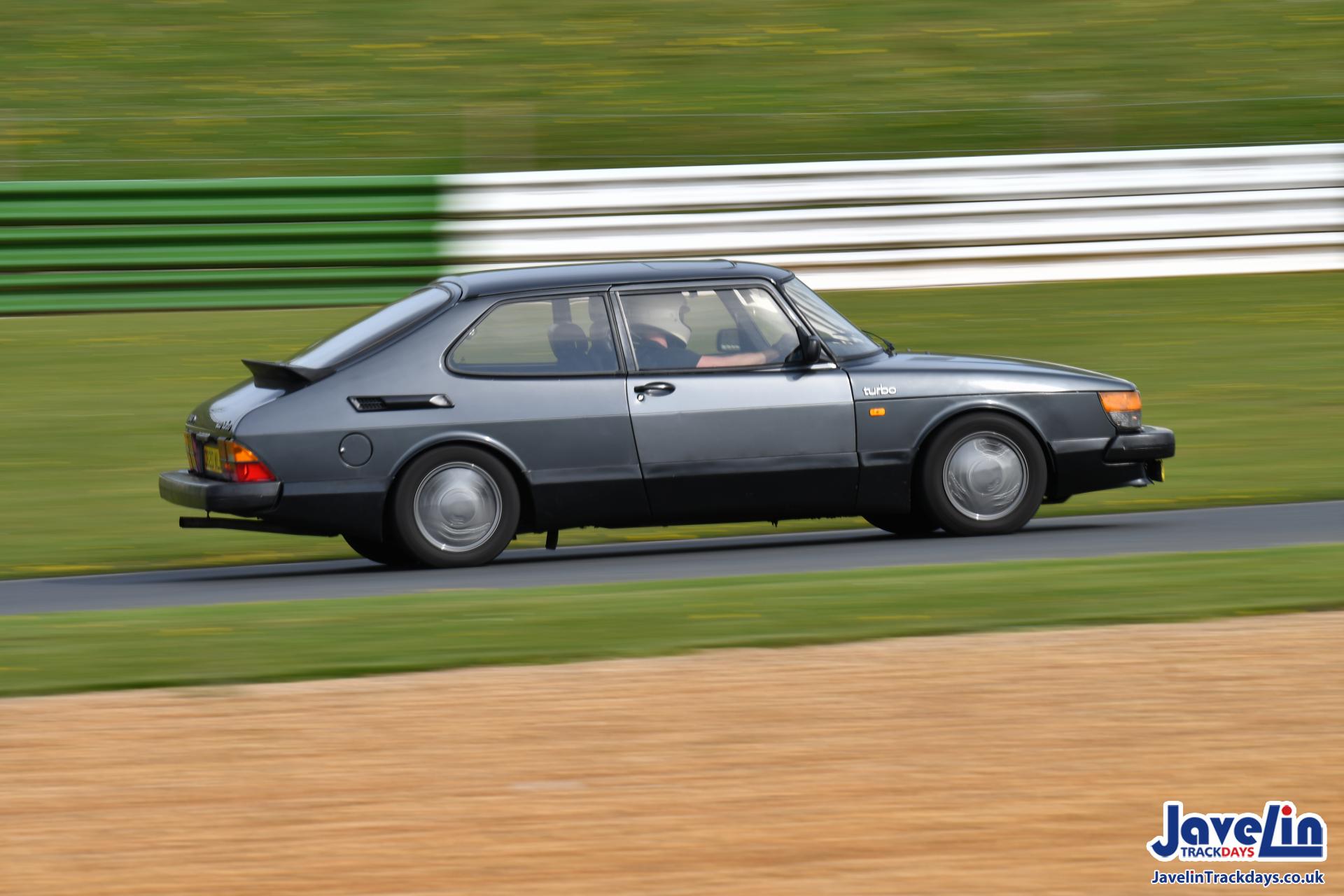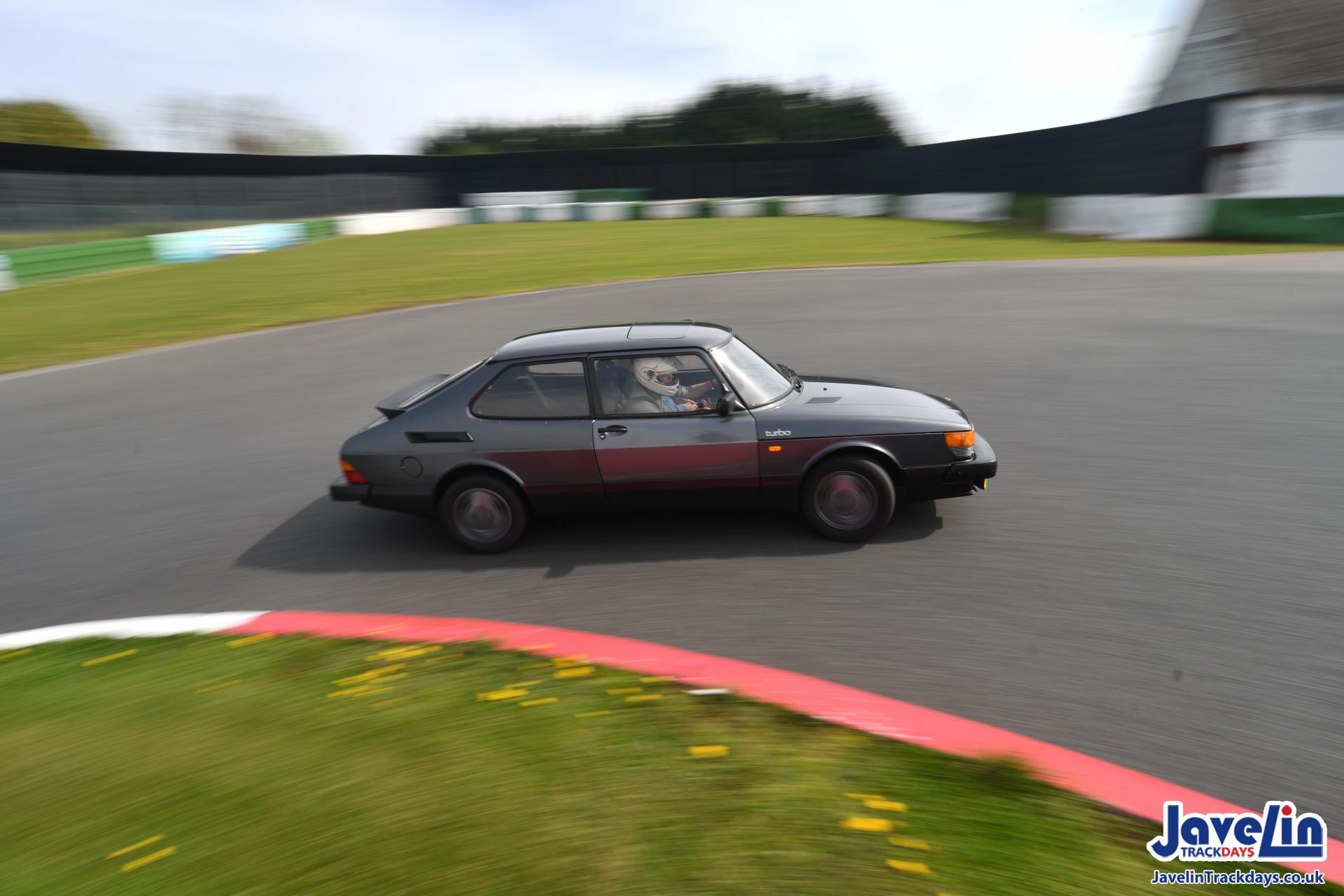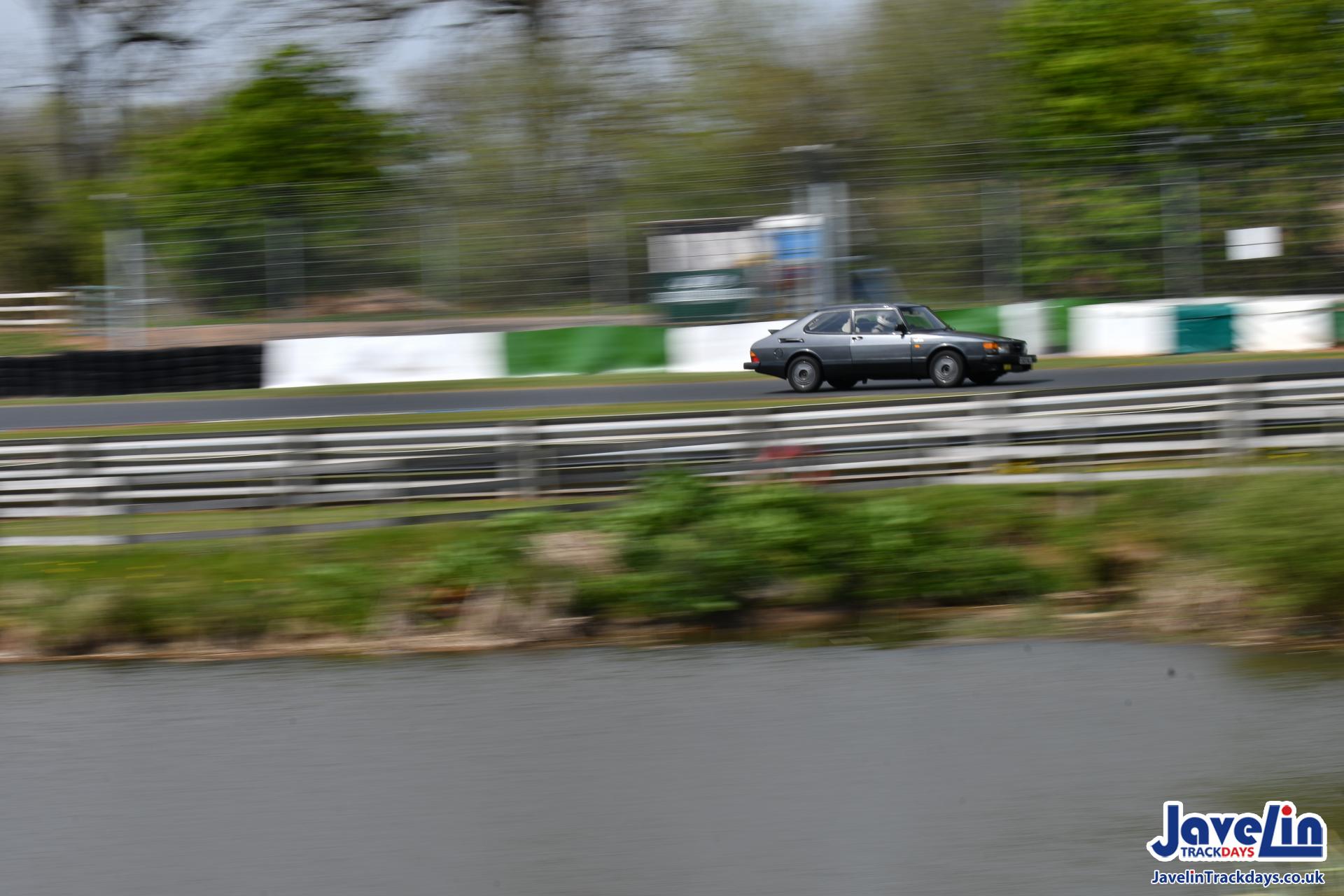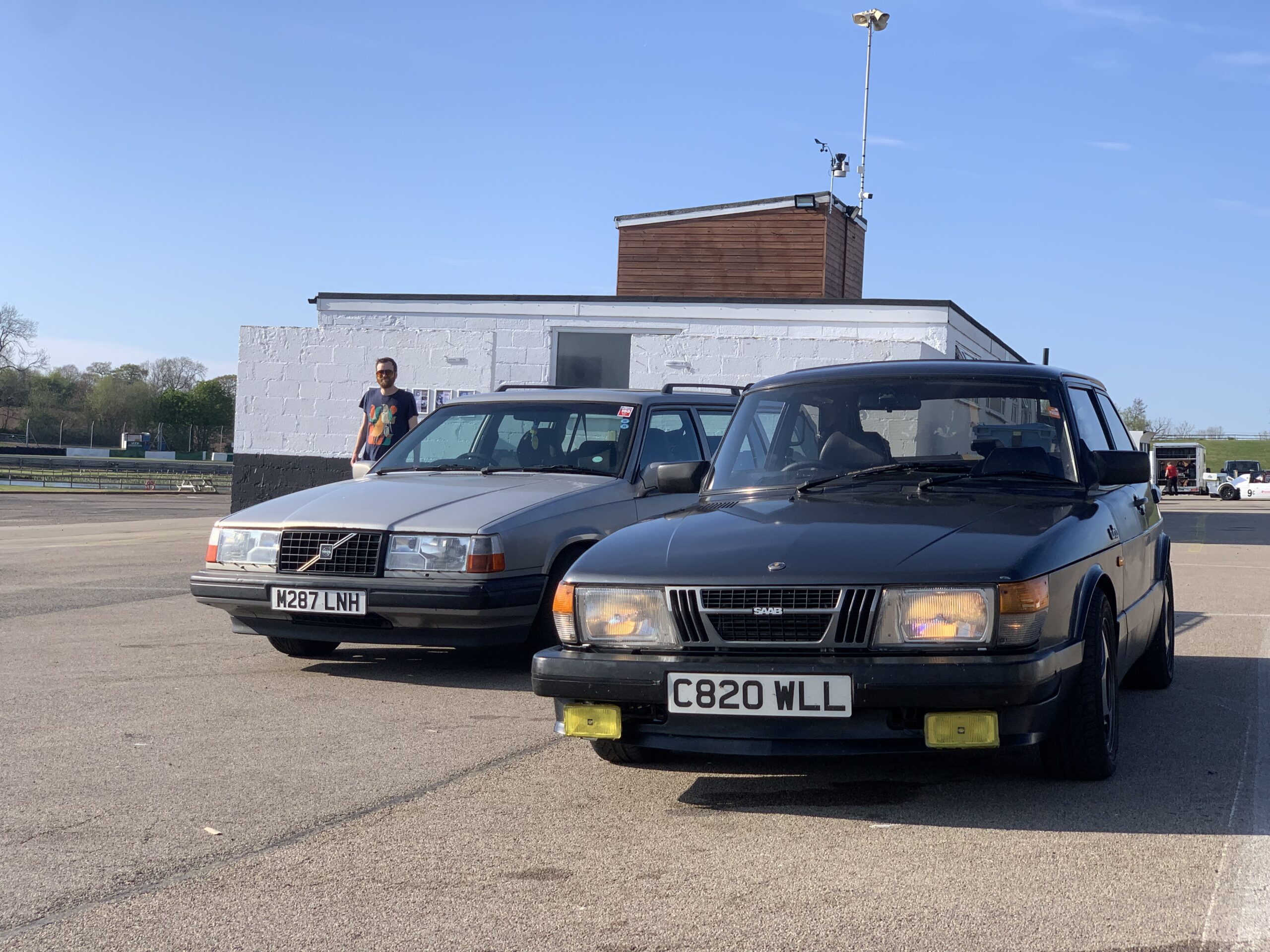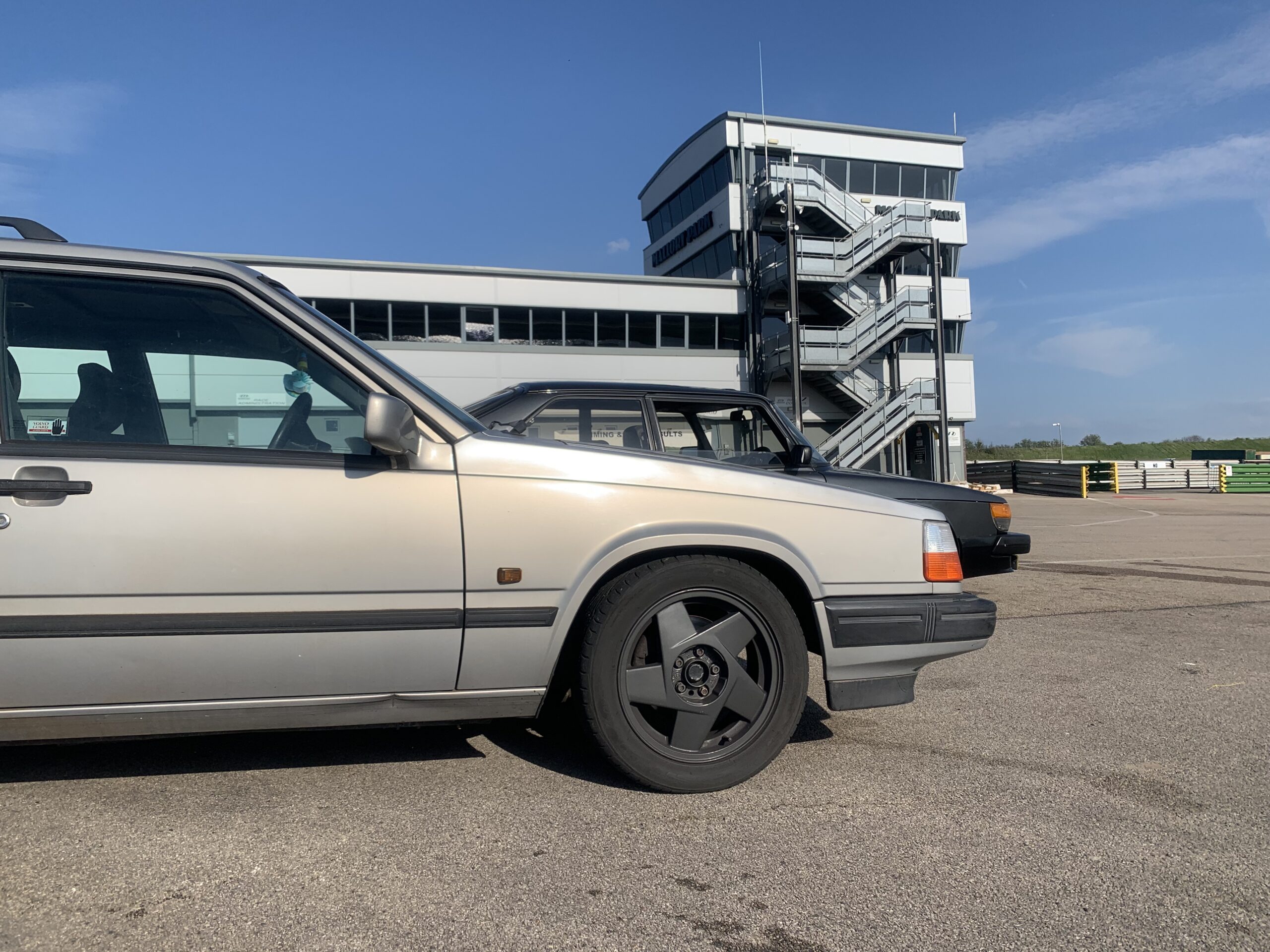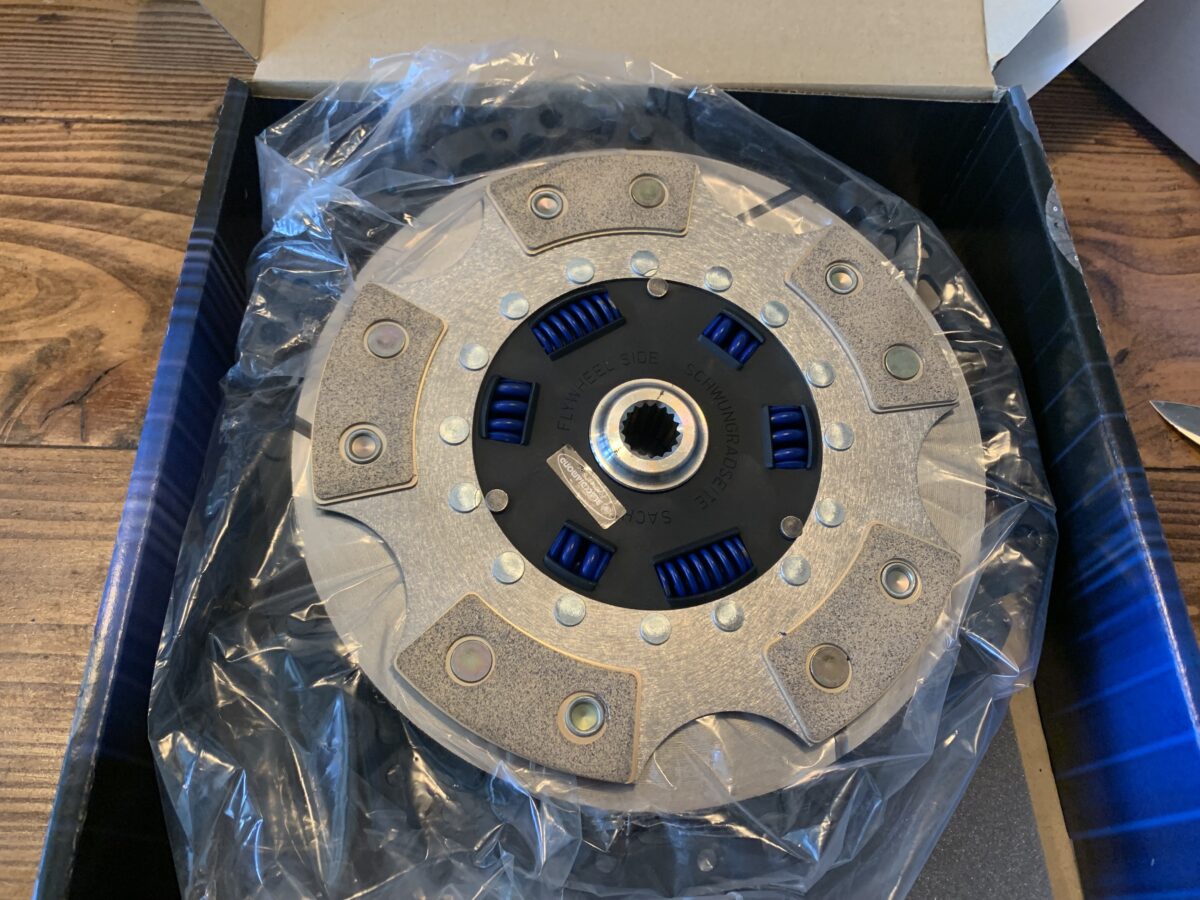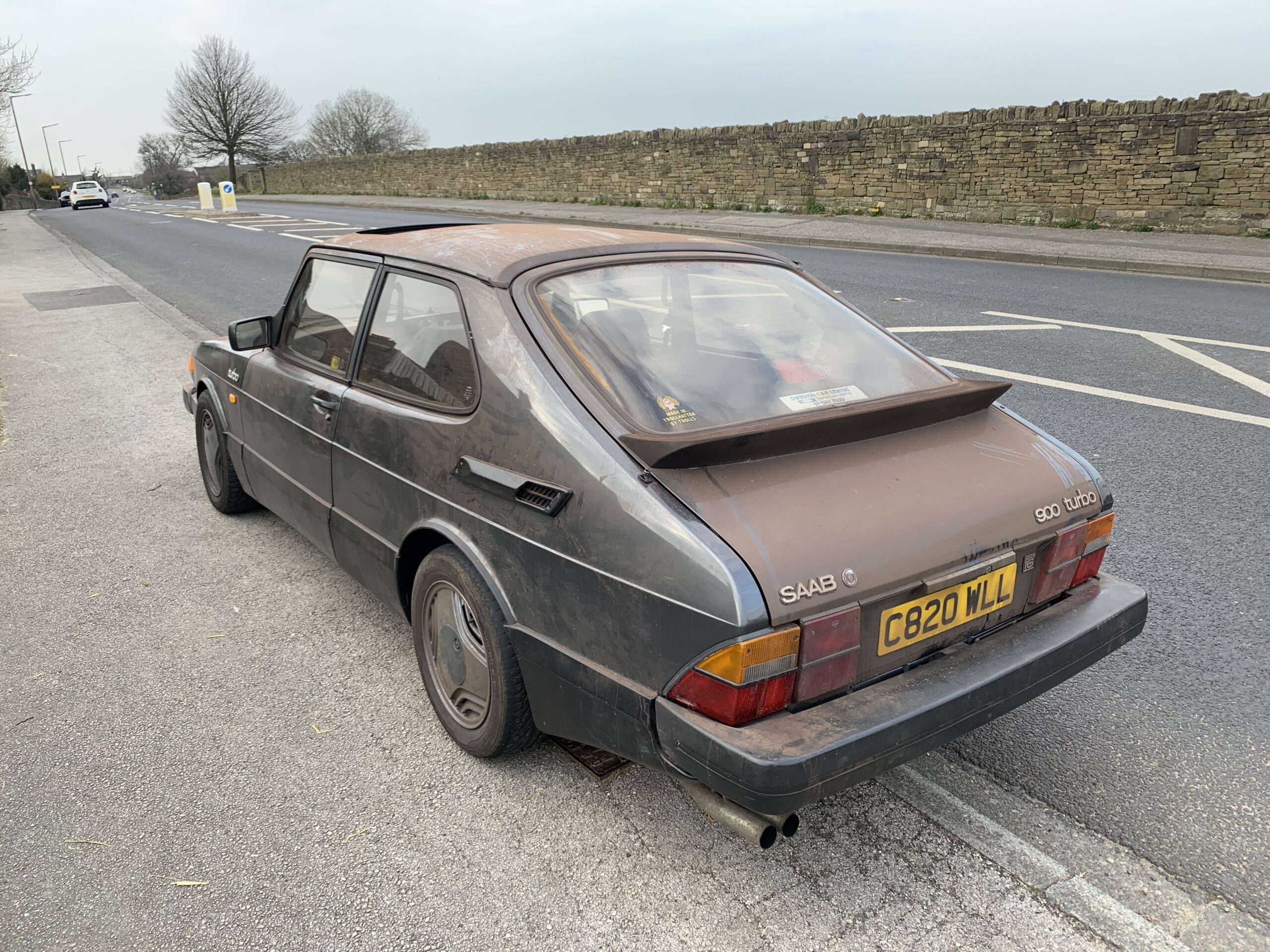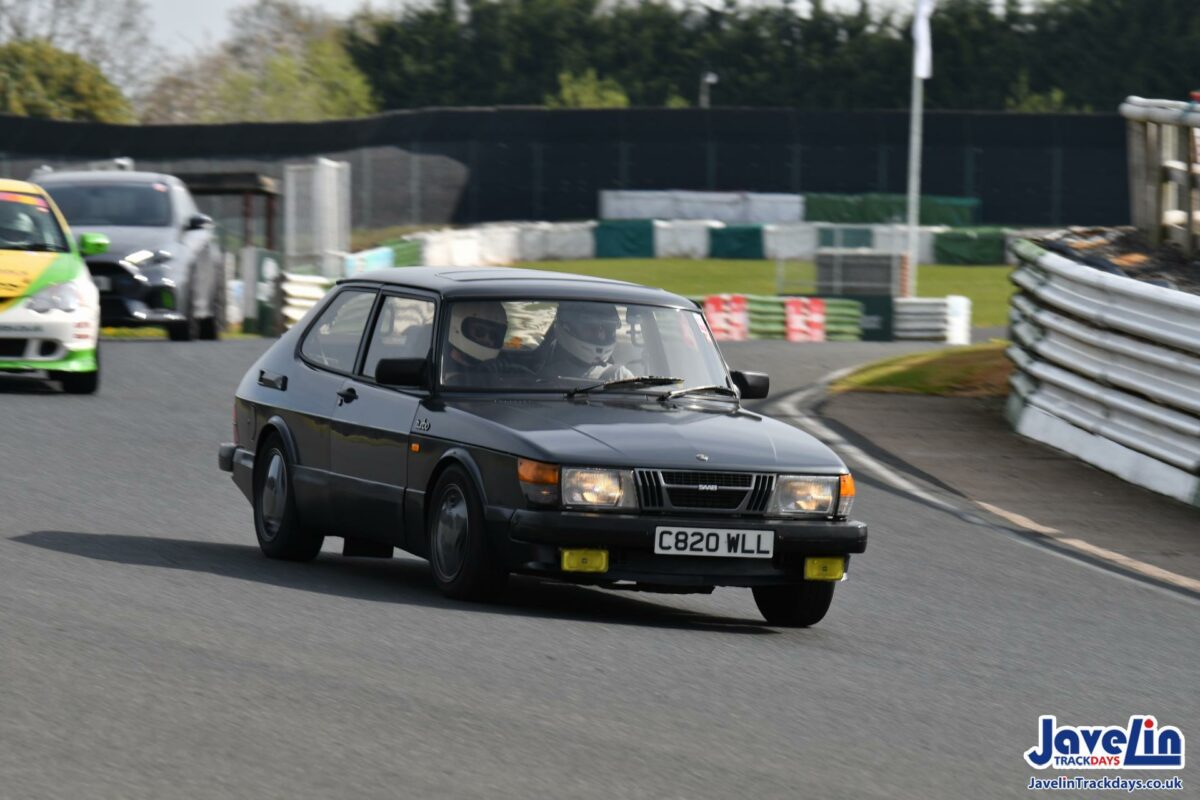
For my 30th birthday last year my friends clubbed together to get me a trackday voucher. I sat on it for ages worried that Helga wasn’t ready, and eventually decided in January that I needed to just book it before the voucher expired. Finally the day came round yesterday!
The day was in a sessioned format, where novices got the first 20 minutes of each hour on track. I was absolutely terrified that either a) I’d do something really wrong or b) Helga would fall apart on track so a day with novice only sessions seemed a good choice for my first time.

The organisers seemed really chill and friendly which was another worry, and Helga sailed through the noise testing.
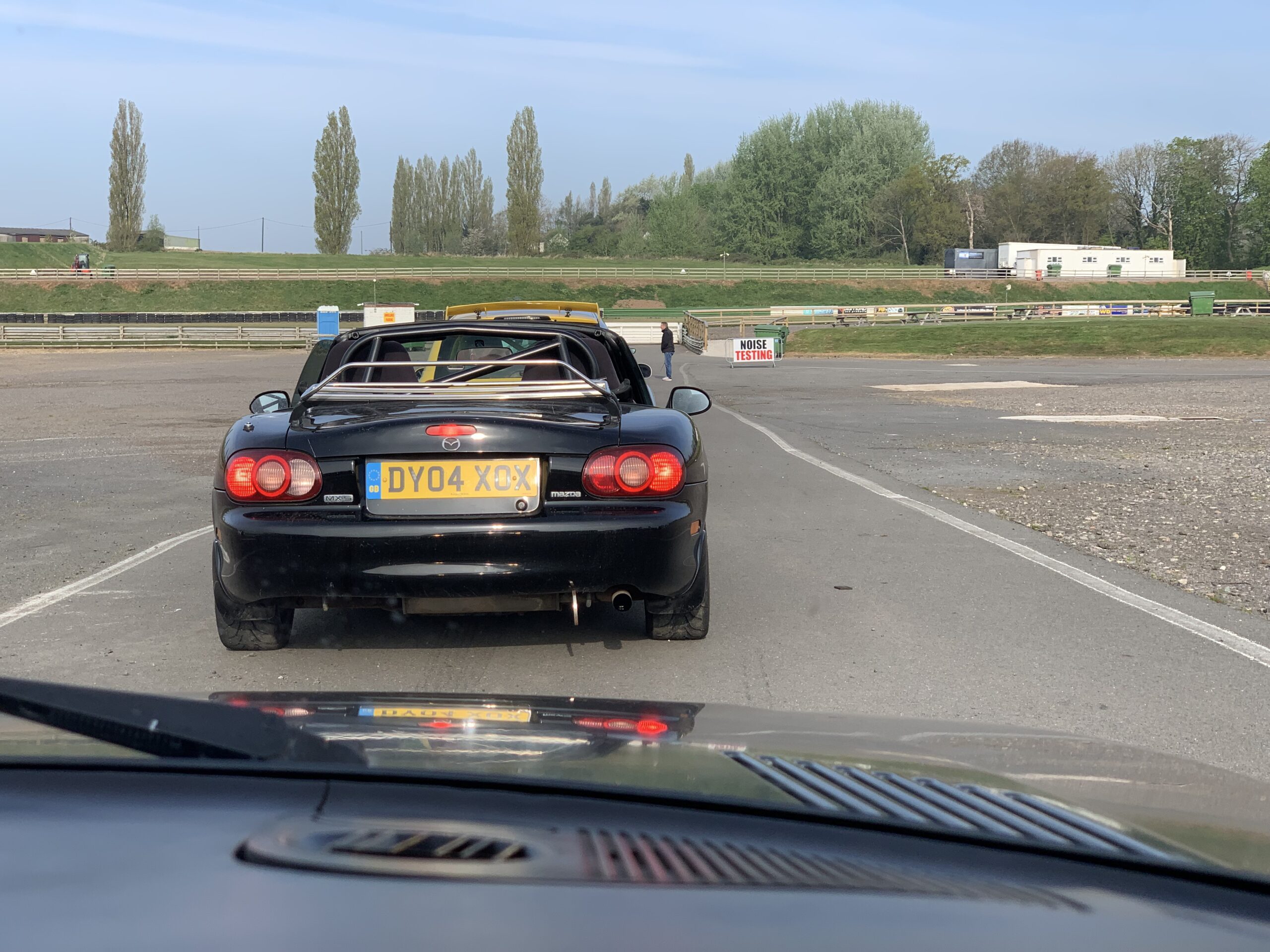
In the first session Greg sat in the passenger seat with me. I didn’t drive very well, I felt a bit overwhelmed by watching out for flags or other cars as well as getting a feel for what the car could handle. Still, I got round, passed a few cars, certainly wasn’t the slowest on track and most importantly was giddy to get back out.
Greg drove the next session with me as passenger, and because he has this annoying ability to instantly be good at stuff was within a lap pushing harder than I had, in a car he wasn’t at all familiar with.
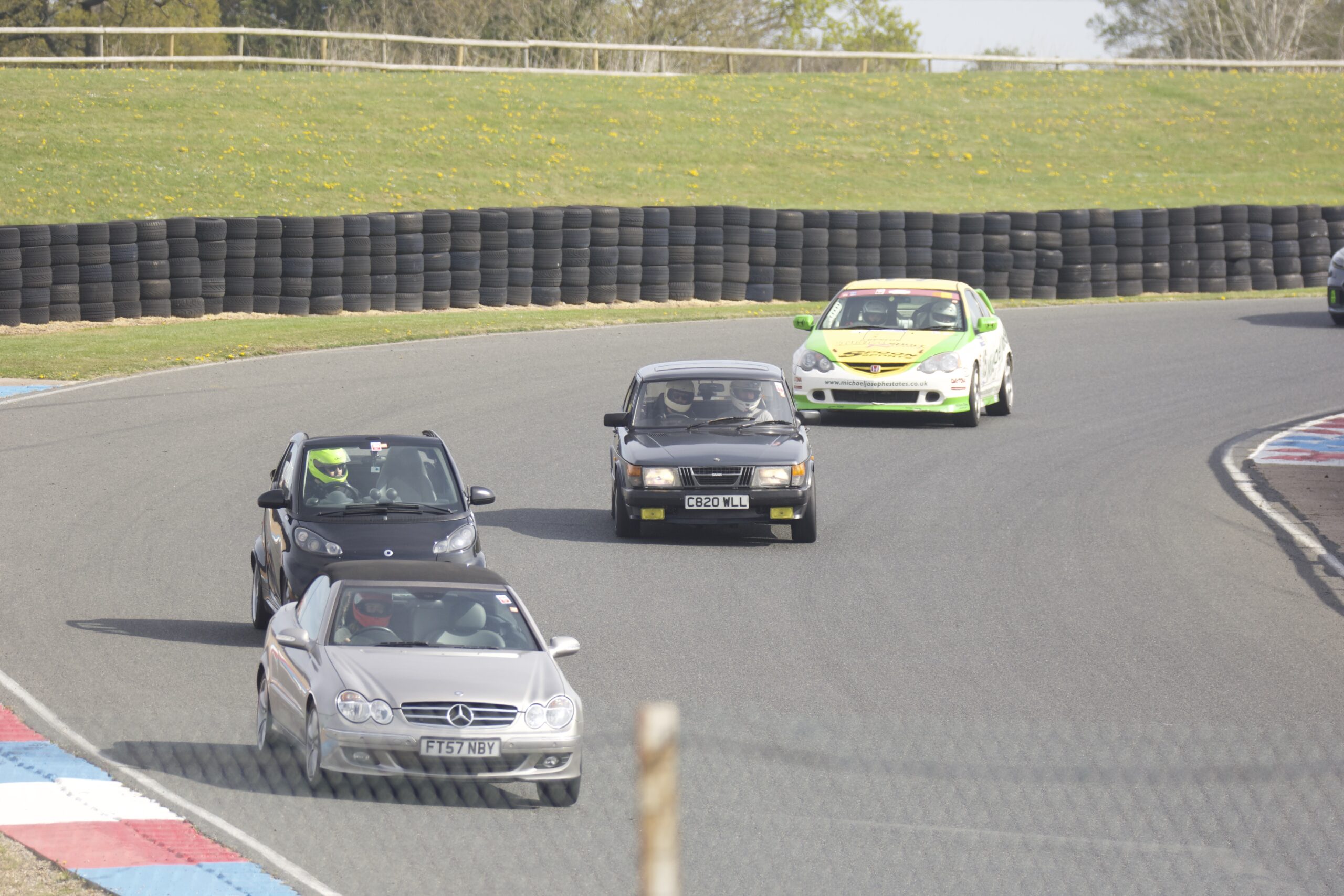
For the third session I went back out this time with Brad in the passenger seat. After seeing Greg throw Helga round I felt a chunk more confident, though I still struggled with the classic mistake of turning in too early even when I knew I was doing it, especially in the Esses.
Unfortunately it all went a bit wrong in the fourth session – a few laps in she cut out just after Lake Esses. I rolled to a stop on the grass and the session was red flagged (oops). Luckily it was downhill back down the track to the pit entrance so with a push to get going from the marshalls she was able to roll right back to our place in the paddock.
It quickly became apparent that the fuel pump wasn’t running, and following the wire back to the relay I noticed one of the pins had come unsoldered from the relay connector. Touching the wire back on didn’t fix the problem and, rushing to get her running ASAP we spent a while trying to source a strong enough ignition live from the back to run the fuel pump off. This worked but only kind-of, because none of the existing wires back there were thick enough to run the pump at full speed.
So, back to the engine bay. During this time the battery had become completely flat, and only when jumping for the millionth time did we noticed that the engine loom was rubbing on the auxiliary belt! Pulling back the sheathing revealed a big mess. The belt had revealed the insulation on two wires, which had then shorted on each other. Because I hadn’t fitted fuses when doing the T5 conversion, the wires had continued to heat up until the insulation had melted off the full metre length, as well as unsoldering the connection from the fuel pump relay.
With the problem finally sourced, we borrowed some insulation tape and patched up the damaged insulation while someone else leant some lock wire to fasten the wire back to the relay connection in the absence of a soldering iron. Unfortunately after this she still didn’t run! We were now really starting to worry about being able to drive Helga home at the end of the day.
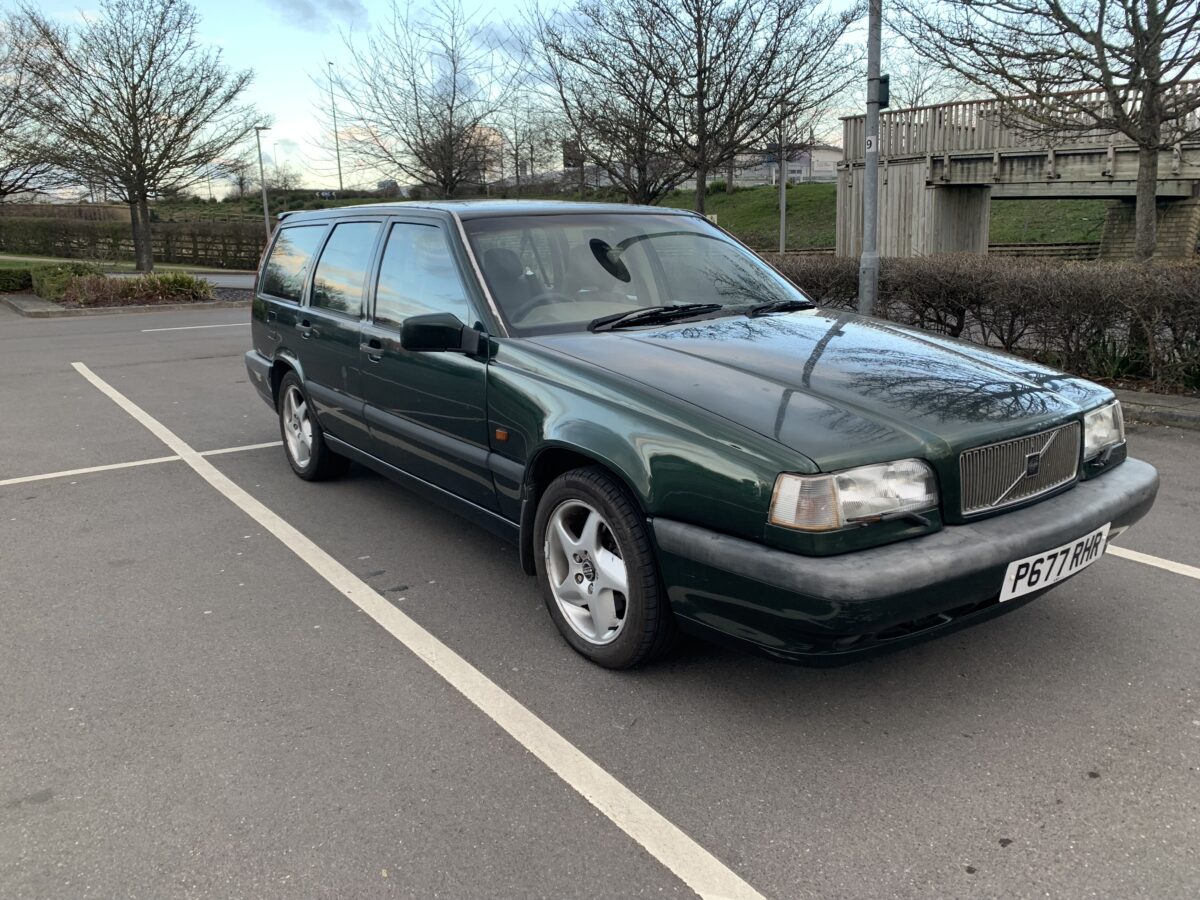
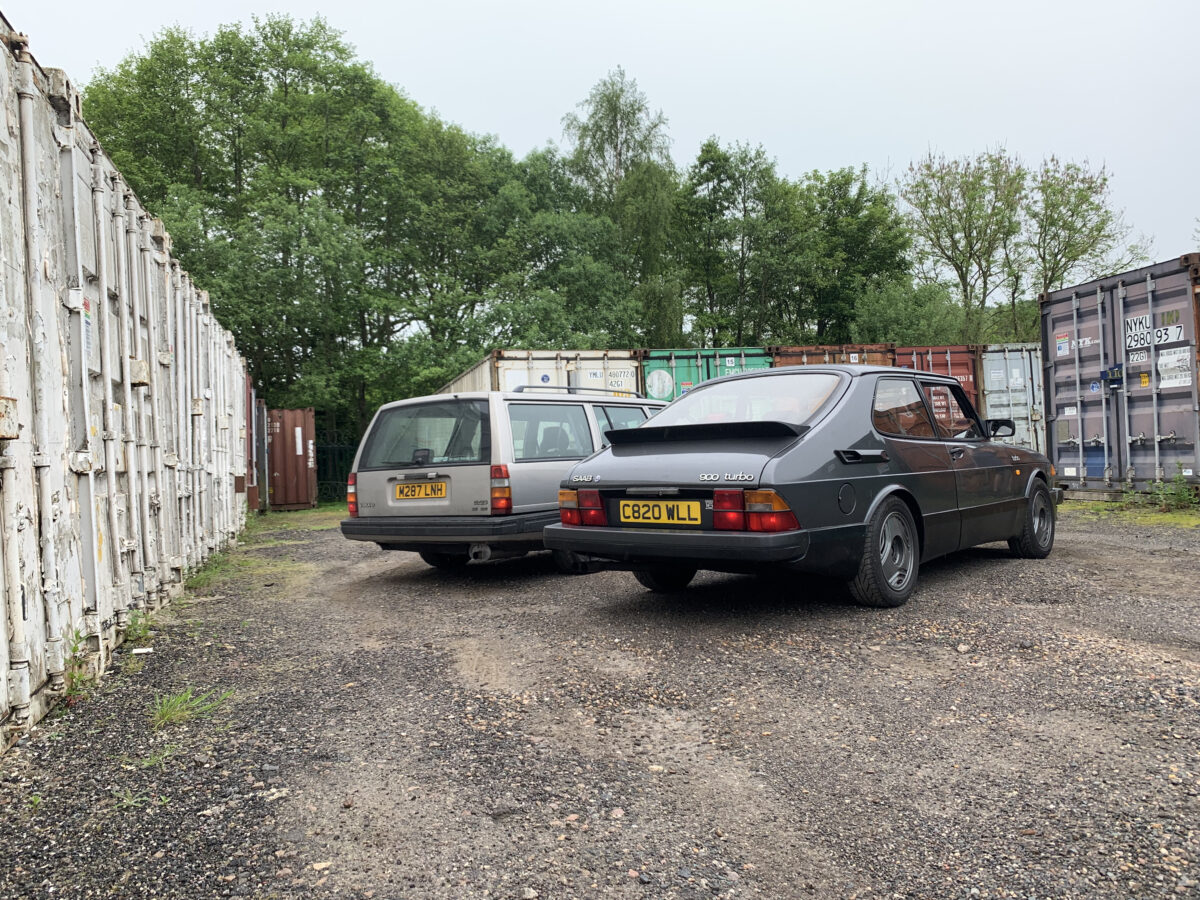
By this point there were only two sessions left so I suggested Greg take out the backup car, his Volvo 940 (Rüda). Incredibly he was again really fast, passing some much more capable cars like a MX-5. Imagine that lump bearing down on you! It was great how easy going Javelin, the organisers, were, they didn’t mind at all swapping cars.
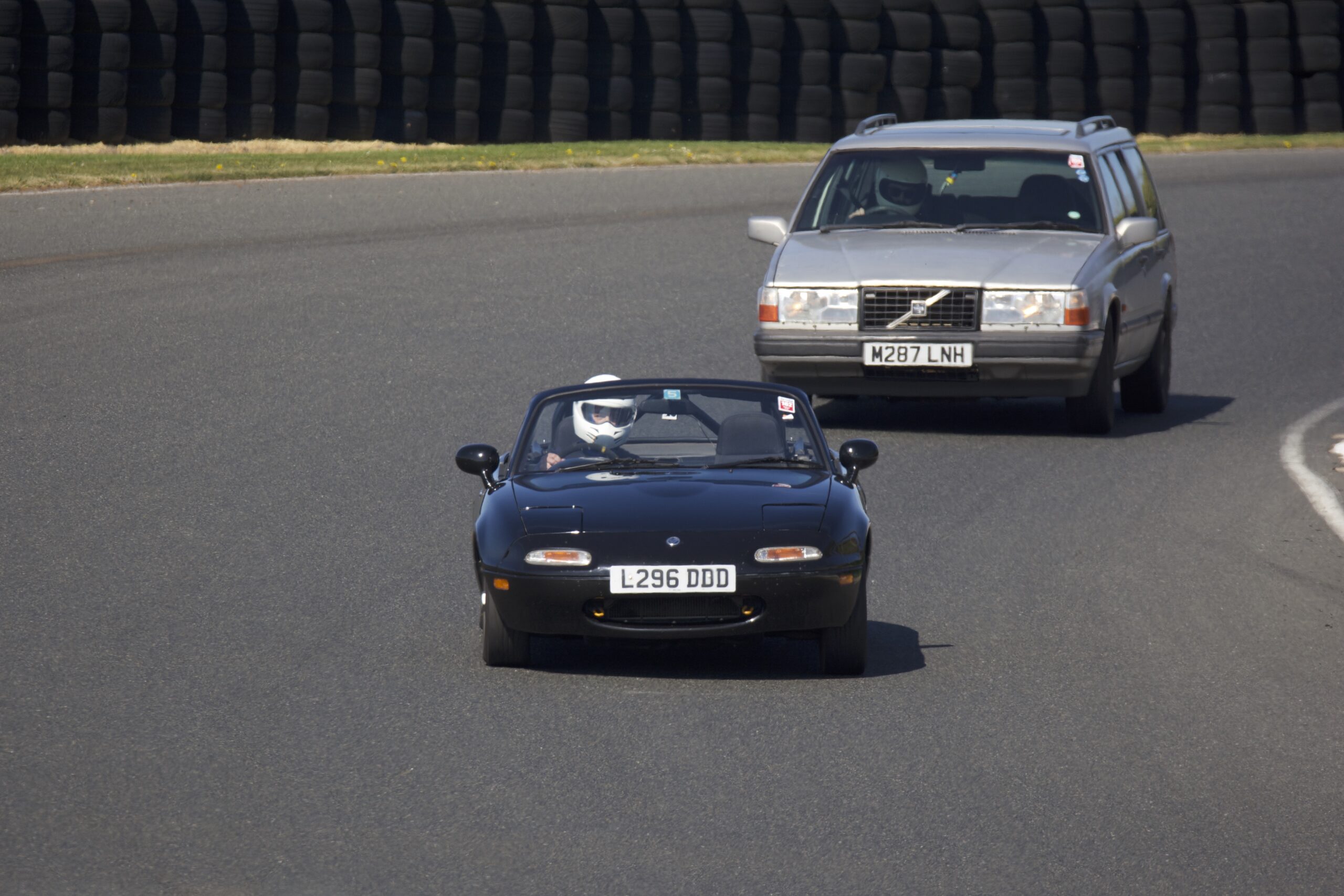
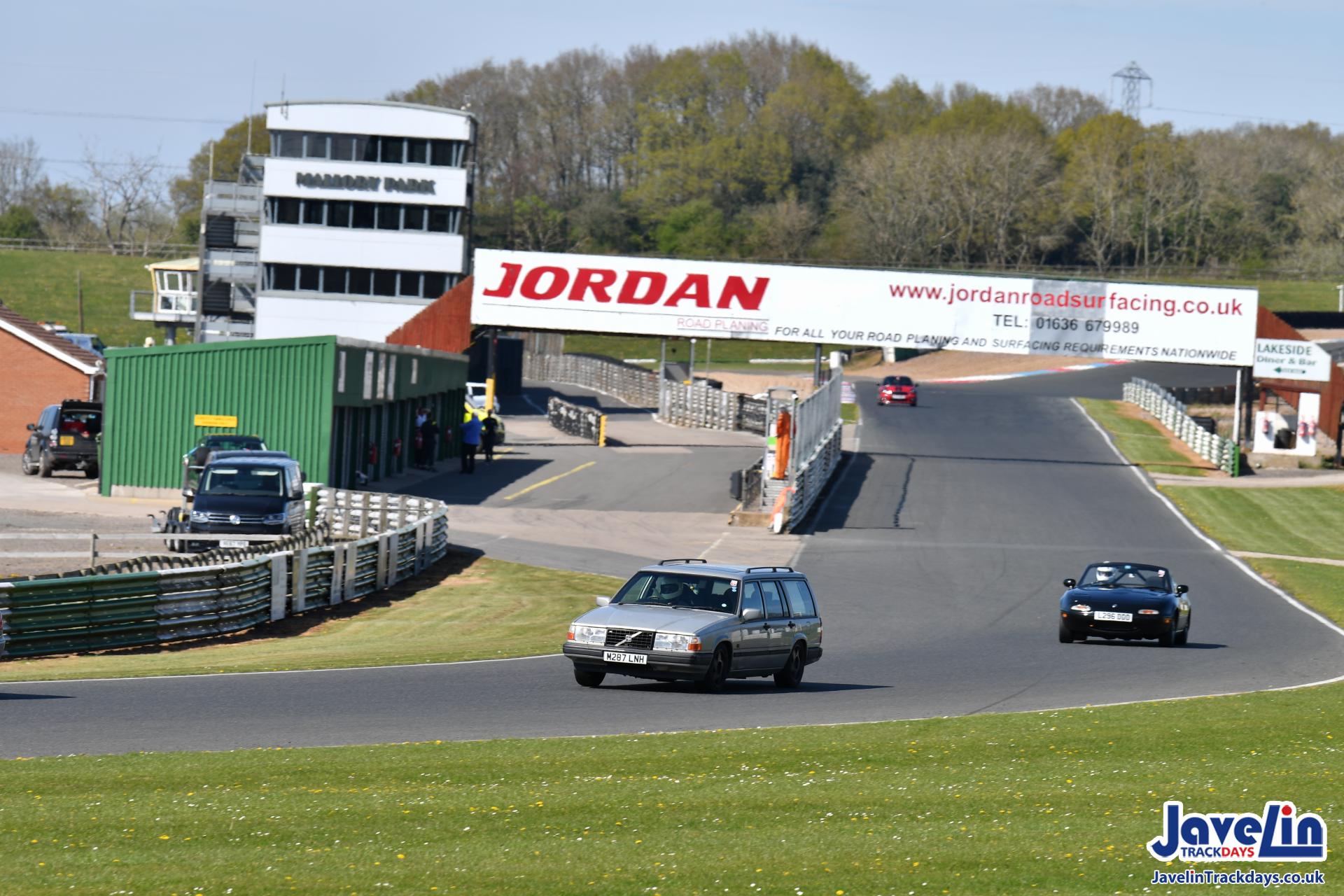

For the last session I took Rüda out. I’d driven her a few times before but not often, so I eased into it and was amazed how within a few laps I felt completely at ease. Rüda felt so much more stable through the high speed Gerards, it was really easy to ride out the understeer while Helga felt to me really nervous through there, particularly on turn in. Helga was much more responsive to throttle input and the back felt quite light if you lifted even slightly. I’d like to work on that before another track day.
Anyway, just before I went out for that last session we got Helga running again – turned out one of the pins had melted right out of the big loom connector.
All in all, it was a shame to miss quite a few sessions but not that big a deal – I still felt like I got loads of track time and it could have been so much worse. I’d been worried the newly rebuilt engine (or worse, the gearbox) would let go but while she was running she felt incredible. Quite a few people, including the driver of a brand new M3 came over to remark how quick she was. In some ways it was lucky she didn’t run all day because I’m sure the tyres wouldn’t have lasted! It was such an amazing day and we cannot wait to get back on track.